Speak for Me
If speaking is difficult, choose a phrase or type a message. Your phone can read it aloud or show it in large text.
The app works in English and Russian. Its Russian name is «Скажи за меня».
Using Speak for Me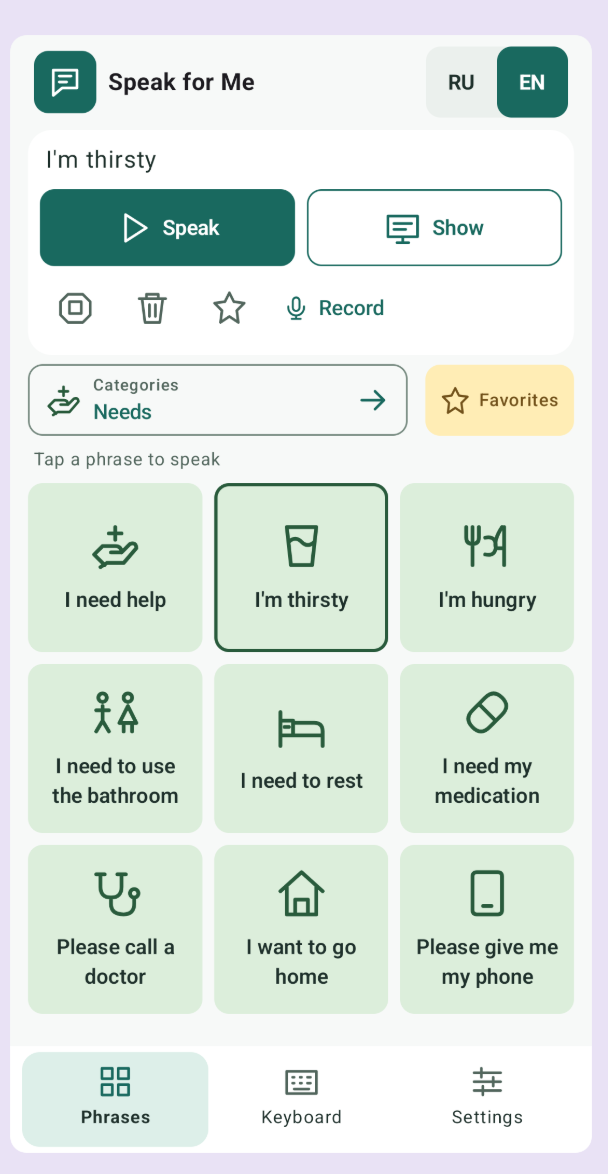
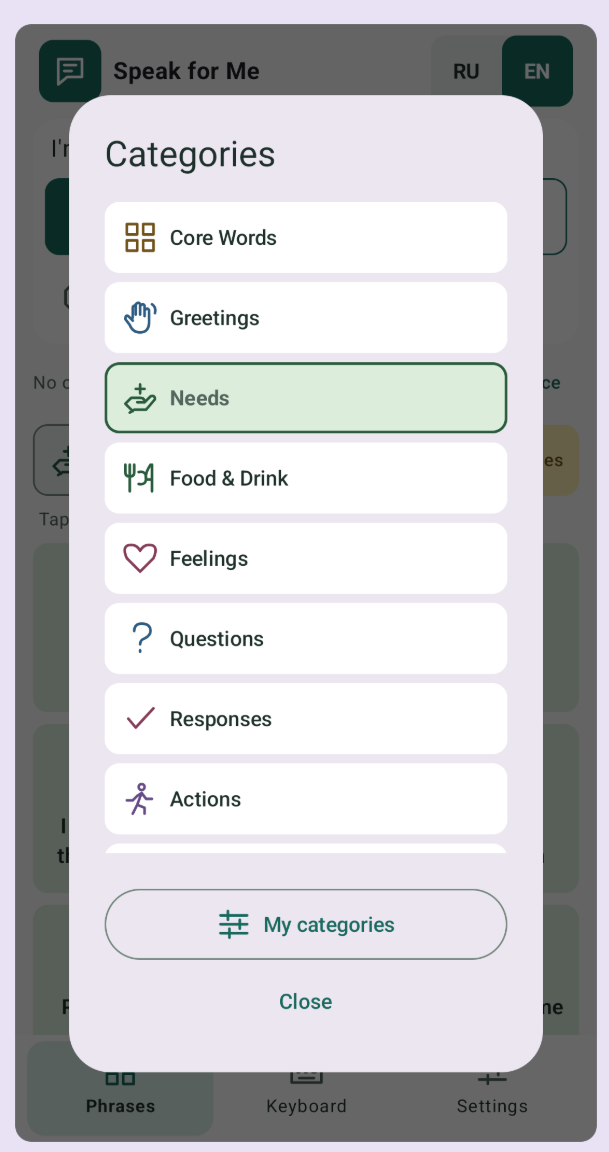
Choose a phrase or write your own
Look under Greetings to say hello. To ask for a drink, open Needs and tap I’m thirsty. Open Keyboard to write your own message.
Record a phrase
Pick a phrase and tap Record to save it in your own voice.
Show a phrase in large text
Tap Show and turn the screen toward the person you’re talking to.
Speak for Me help
Can I use it offline?
Yes. Speak for Me works without an internet connection.
Are there ads or subscriptions?
No. You can use Speak for Me without ads or a subscription.